“Hello? Can you hear me? Your video is frozen…”
If you live abroad, this is likely the most heartbreaking sentence you hear every week. You miss your parents in Tehran, your friends in Shiraz, or your siblings in Mashhad. But the “Digital Iron Curtain” of 2026 has made apps like WhatsApp, Instagram, and FaceTime practically useless for calling Iran. Constant lagging, poor quality, and endless “Reconnecting” messages turn a joyful catch-up into a stressful struggle.
But what if I told you there is a “Backdoor”? A way to have a Full HD video call with your family in Iran, where THEY don’t need to turn on a VPN?
In this guide, the EasyConnectSho technical team reveals the ultimate trick to bypass internet restrictions and bridge the distance between you and your loved ones.
Why Global Apps Fail in Iran? (The Technical Truth)
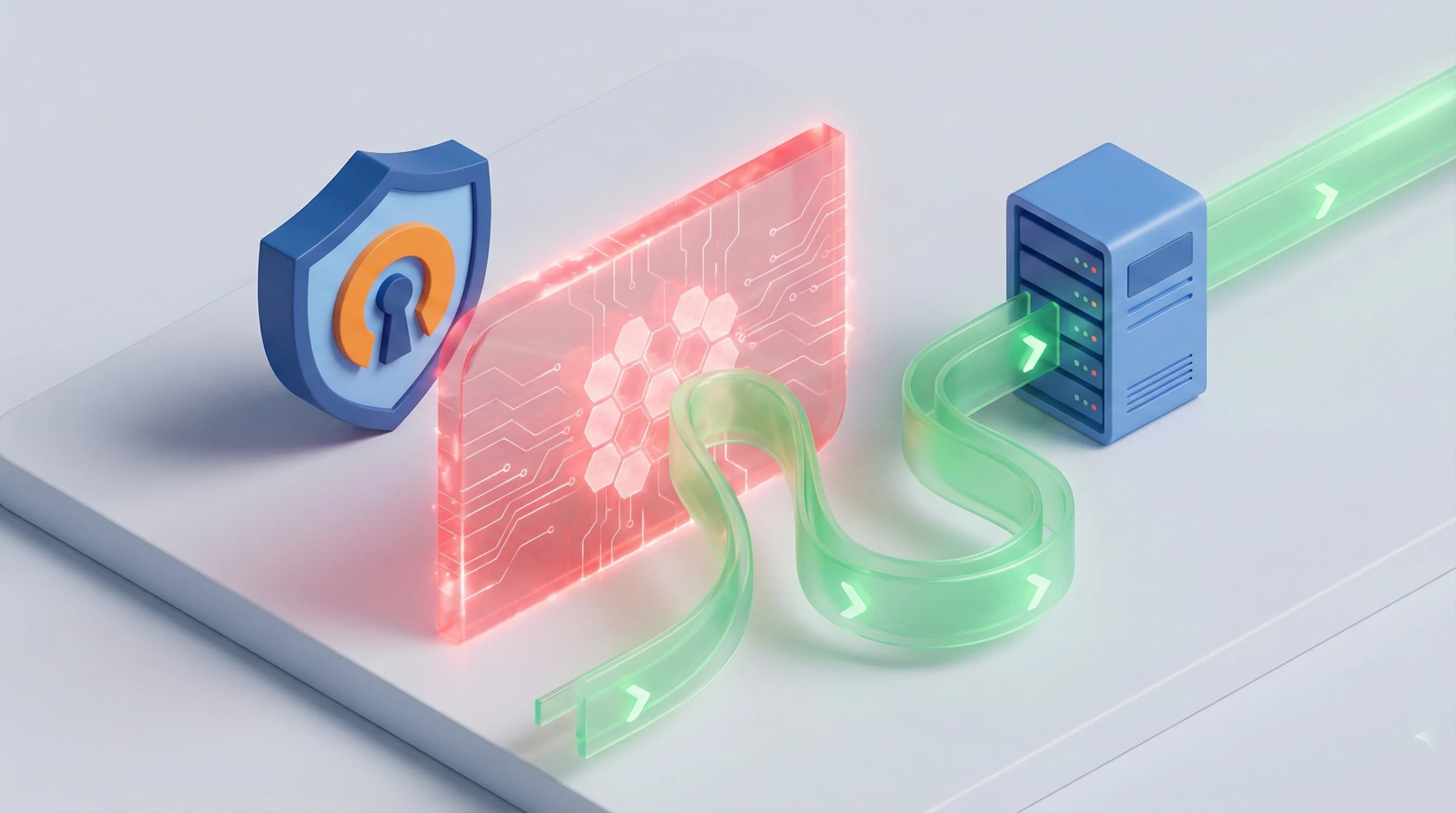
When you try to call your mom in Iran via WhatsApp, the data has to travel a complicated path: From your phone > To WhatsApp servers (USA) > Through Iran’s heavy Firewall > To your mom’s phone.
In 2026, Iran’s “National Information Network” (Intranet) severely throttles international traffic, especially UDP packets used for video calls. Plus, your family in Iran has to use a VPN to open WhatsApp, which further degrades the speed. It’s a losing battle.
The Solution: Use the “Domestic Highway”
The internet inside Iran is incredibly fast for local servers. The trick is to stop fighting the firewall and instead use it to your advantage.
If you switch to an Iranian messenger app (like Rubika), the call data stays within the high-speed domestic network.
The Result? Ping under 10ms, crystal clear HD video, and zero disconnections.
The Best Alternatives: Rubika & Bale
For the purpose of seeing your family’s faces clearly, these local apps are currently the best options:
- Rubika: Currently the most popular “Super App” in Iran. Its video call infrastructure is robust and optimized for Iran’s network.
- Bale: Backed by Bank Melli, this app offers very stable voice and video calls.
The Catch: You Need an “Iran IP” Abroad
Here is the challenge: These Iranian apps are geo-blocked outside of Iran.
If you try to open Rubika in London, Toronto, or Berlin, it likely won’t load, or you won’t receive the login SMS code. The developers have restricted access to Iranian IPs only for security reasons.
This is where EasyConnectSho comes in.
To make this connection work, YOU (the person abroad) need to digitally “teleport” back to Iran. By using our Iran VPN Service (Static IP), you can access these apps seamlessly.
The “Reverse” VPN Strategy:
Usually, people in Iran use VPNs to go out. In this trick, YOU (abroad) use a VPN to go IN (to Iran). Your family in Iran turns OFF their VPN. This creates a direct, unblocked connection path.
Step-by-Step Guide: How to Connect?
Follow these simple steps to set up your first HD video call:
Step 1: Get an Iran IP (For You)
Purchase a subscription from our Shop. We accept PayPal and Crypto (USDT). Download the OpenVPN app and connect.
Step 2: Install the App
Download “Rubika” or “Bale” (Android or Web Version for iOS). Now that you have an Iran IP, the app will open instantly.
Step 3: Login
Enter your Iranian phone number (or your family’s number if you don’t have one). Since you are connected to our Iran server, the SMS code will arrive without issues.
Step 4: Tell Family to Turn OFF VPN
Call your family and tell them: “Turn off your VPN and open Rubika.” Then, start the video call. You will be amazed by the quality!
A Note on Privacy
We understand that privacy is a concern. We recommend using these domestic apps strictly for family video calls (to see faces and catch up). For sharing sensitive documents, passwords, or private data, you can stick to secure methods once the internet situation allows.
Frequently Asked Questions
Do I need a SIM card from Iran to use Rubika abroad?
Yes, mostly. These apps require an Iranian phone number (+98) for the initial registration. If you don’t have one active, you can ask your family in Iran to register with a spare number and send you the verification code.
Will this drain my family’s internet data in Iran?
No! That’s the best part. Since they are not using a VPN and are accessing a domestic app, their data usage is calculated at “half-price” (Domestic Tariff), which is much cheaper than WhatsApp.
Can I use this Iran IP for Banking too?
Absolutely. The same Static Iran IP you use for Rubika will grant you secure access to all Iranian Mobile Banking apps (Mellat, Melli, Saman) and government portals (Sejam, Sana).
Bridge the Distance Today
Don’t let bad internet ruin your family moments. Get your Iran IP now and see them in HD.
Get Iran IP (PayPal Accepted)