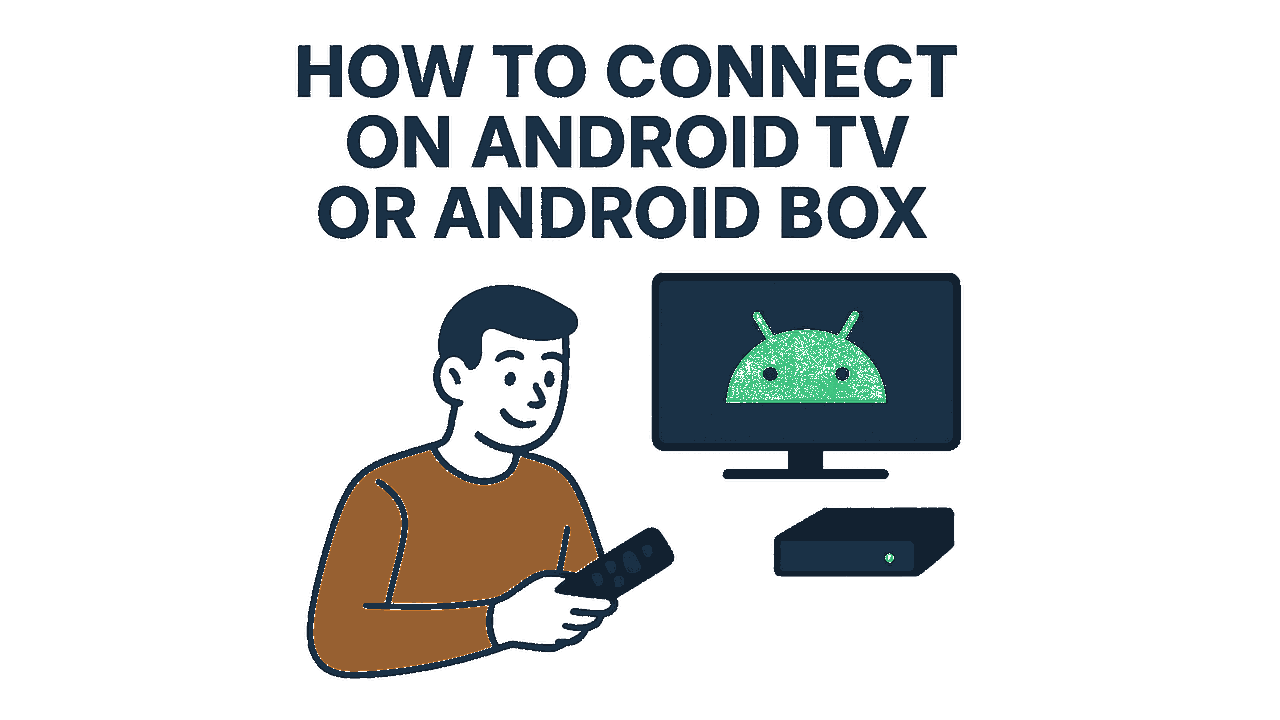
How to Connect on Android TV Or Android Box
Visual tutorial
Open Google Play
Launch the Play Store to find the VPN app.
Tap Install
Press Install to download and add the app to your TV.
Visit Website & Log In
In the browser, go to easyconnectsho.com and sign in to your panel.
Open Licenses
Enter the Licenses section to see your account details.
Download Config File
Click the Config File button to get the ZIP profile.
Extract ZIP
Use the download manager to locate and extract the ZIP.
Launch OpenVPN
Open the OpenVPN app on your Android TV.
Import Profile
Tap the import icon and select the extracted .ovpn file.
Save Profile
Confirm and save the imported VPN profile settings.
Select Profile
Choose your saved profile and press OK to continue.
Enter Credentials
A prompt appears asking for username and password.
Fill Username & Password
Type the credentials from your panel into OpenVPN.
Save Password
Tick Save Password and press OK.
Connected!
VPN connection established successfully.
View our specialized articles

How to Change Your VPN IP to Iran? (2026 Guide)
To change your IP address to Iran, you must use a specialized VPN provider that physically hosts private servers within
Is OpenVPN Blocked in Iran? 2026 Status & Solutions
Yes, standard OpenVPN connections are actively blocked by internet service providers in Iran using Deep Packet Inspection (DPI). While the

Which VPN Currently Works in Iran? (Tested & Active in 2026)
Currently, most mainstream commercial VPNs like NordVPN, ExpressVPN, or free App Store options are heavily restricted or completely blocked in